World of Warcraft · Midnight · Season 2

Azeroth, from absolute zero.

A field guide for someone who has never touched an MMO: what the game actually is in September 2026, what to press in your first hour, every default keybind, every menu worth opening, and the weekly rhythm you'll settle into at max level.

Level cap 90Midnight raised it from 80
Free to level 20no subscription needed for the trial
~A$19.95 / monthsubscription past level 20 (AU pricing)
Patch 12.1 live12.1.5 on PTR, expected early October

01Where the game stands today

WoW is twenty-two years old and currently mid-story. Knowing the shape of it stops the first login from feeling like walking into a party that started without you.

The expansion

Midnight

Released 2 March 2026, the second chapter of the three-part Worldsoul Saga. The Void is attacking the Sunwell; you return to a rebuilt elven Quel'Thalas — Eversong Woods, Zul'Aman, Harandar and the Voidstorm — with Silvermoon City as the new capital hub. Level cap 90, player housing, a new allied race (Haranir), and a third Demon Hunter spec (Devourer).

The season

Season 2, patch 12.1

Live since 18 August 2026 on patch 12.1 "Curse of Ula'tek". Seasons reset raids, Mythic+ dungeons and PvP on a gear track; you're joining mid-season, which is fine — catch-up gear exists precisely for that.

Next up

12.1.5 "The Promise of Tomorrow"

On the test realm now, expected around 6 October 2026 (Blizzard's eight-week cadence; not officially dated). Adds a story campaign finale, a one-boss raid (The Unbinding of Kith'ix), Labyrinths — mega-delves — and Aqir Invasion zone events. After that: patch 12.2 "Eclipse", the expansion's final chapter.

One game, several flavours. "Retail" (this guide) is the modern game. WoW Classic, Season of Discovery and the upcoming WoW Forever (4 Nov 2026) are separate 2004-style games under the same subscription. Everything below is retail unless labelled.

02Your first hour, in order

Six decisions, then you're playing. None of them are permanent except your realm, and even that matters less than it used to.

Install it

Windows and Mac: the Battle.net desktop app → World of Warcraft → Install. Linux: the game itself runs fine through Wine/Proton but the Battle.net launcher is the flaky part — see the Linux section. The client is large; start the download and read on.

Decide about money

The Free Trial lets any Battle.net account play everything up to level 20, including level-20 dungeons — no card, no subscription. Past 20 you need game time or a subscription (about A$19.95/month in Australia, cheaper per month on 6- and 12-month plans). The trial is a genuinely good way to find out if you like it before paying.

Pick a realm

The realm list shows name, type, status and population. Cross-realm grouping means dungeons, raids and most endgame mix players from many servers, so this choice is mostly social now: join friends' realm if you have them, otherwise sort by population and take a high one — busier economies, busier guilds, faster queues. Types are Normal (open-world PvP only if you opt into War Mode) and RP (same rules, roleplay culture).

Make a character

Faction (Alliance or Horde) is close to cosmetic now — cross-faction groups, guilds and communities all exist. Race differences are tiny; pick the silhouette you like, because you'll stare at its back for hundreds of hours. Hair, face and most of it can be redone later at a barbershop for gold. Allied races (Void Elf, Dark Iron Dwarf, Vulpera and friends) unlock later through achievements.

Choose Exile's Reach

The character-select screen offers two starts: Exile's Reach, the modern tutorial island that teaches combat, questing and your abilities in about an hour, or your race's classic starting zone. Take Exile's Reach. It's denser, faster, and gives you a run-speed buff while you're in it.

Say hello in Newcomer Chat

First-time characters are auto-added to a Newcomer channel staffed by veteran volunteer guides (recognisable by an icon only you two can see). You keep it until level 50. Free tutoring; use it.
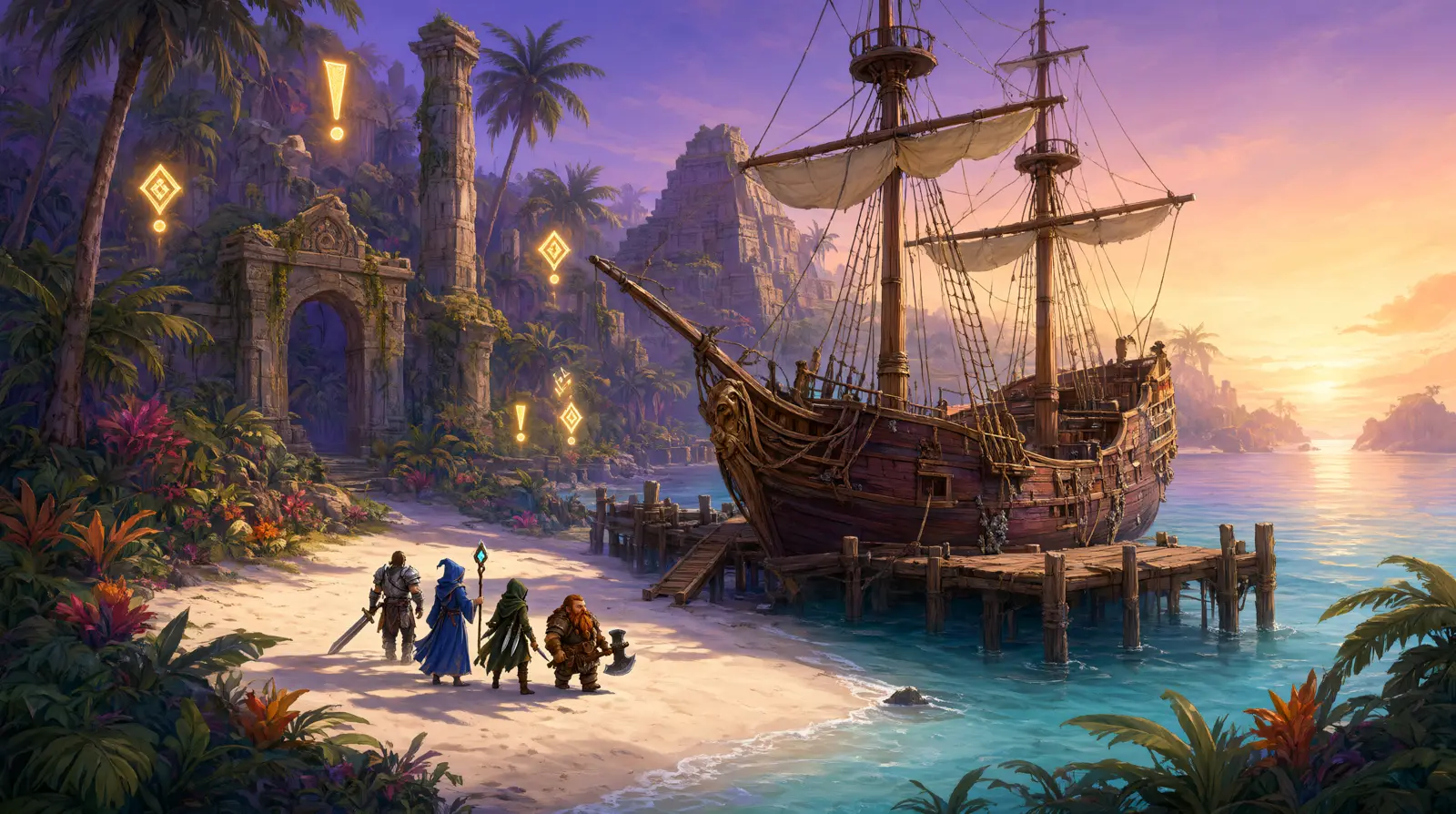
Adventurers stepping off a ship onto a tropical island with glowing quest markers
Exile's Reach in spirit: a ship, a beach, and a trail of golden exclamation marks. A yellow "!" on a NPC means a quest is available; a "?" means you can hand one in. Quest turn-ins are the biggest single chunks of XP while leveling.

03Choosing a class without regret

Thirteen classes, thirty-nine specialisations, three roles: tank (stands in front, controls the fight), healer (keeps everyone alive), DPS (kills things). Specs swap in seconds and talent trees reset for free, so this is a starting point, not a marriage.

SEasiest possible start

Hunter — Beast Mastery

Your pet tanks while you shoot from range, so mistakes don't kill you. Simple rotation, superb solo play, and the best panic buttons in the game (Feign Death, Disengage). The one limit: Hunters are DPS only, so tanking or healing later means another character.

SEasiest, plus every role

Paladin — Retribution

Hard-hitting plate wearer with real self-healing and an 8-second invulnerability (Divine Shield) as the ultimate oh-no button. If you later want to tank or heal, Protection and Holy Paladin are both solid — no reroll needed.

AAction-game feel

Demon Hunter — Havoc

Arguably the simplest rotation in the game, double-jumps and glides included. Starts at a higher level, skipping early grind. Can feel frantic for a total newcomer; wonderful if you've played action games.

ATry every role on one character

Druid

Four specs covering tank, healer, melee and ranged DPS, plus travel form and stealth. The shapeshift bookkeeping is the learning curve; the flexibility is unmatched.

ASolo comfort, dark fantasy

Warlock

The ranged twin of the Hunter: a demon pet tanks, Drain Life and healthstones keep you up, and you bring soulstones and summoning portals to groups. Destruction is the straightforward spec.

BFine, with a wrinkle

Fury Warrior · Frost Mage · Death Knight · Windwalker Monk

All enjoyable and learnable. Warrior and Monk lack easy self-healing; Mage is squishy cloth that rewards positioning; Death Knight's rune resource takes an evening to click. None of these are traps.

Steeper curves: Shaman, Evoker, Priest and Rogue are good classes with quirks (proc chaos, hold-to-charge spells, dot juggling, combo points) that assume some game knowledge. Play them second, not first. And start as DPS — tanking and healing put five strangers' evenings on your shoulders while you're still learning where the buttons are.

04The road from 1 to 90

Leveling is the long, gentle part of WoW — dozens of hours of questing with a story over the top. The route below is the one the game itself points new players down.

Exile's Reach → Dragonflight (1–70)

After the tutorial island the game routes fresh characters through the Dragonflight campaign, the fastest and smoothest leveling content in the game, with flying unlocked as early as level 10. Raids in this stretch have a Story Mode you can solo. If you'd rather see older continents, the NPC Chromie in Stormwind or Orgrimmar (hourglass icon on the map) lets you pick any past expansion to level through, scaled to your level, and switch again whenever.

The War Within story (70–80)

New accounts then get an accelerated play-through of the previous expansion's campaign — Isle of Dorn to K'aresh — with cinematics intact. A few hours, and you're at 80 with the saga's context.

Midnight (80–90)

At level 78 a quest literally titled "Midnight" appears in your quest log and leads you to Lady Liadrin. From there the campaign runs through Eversong Woods, Zul'Aman, Harandar and the Voidstorm; follow the main-story icons at the top of the quest tracker, do side quests when they're on your way, and finish at 90 with the campaign complete and endgame systems unlocked.

Free XP

Rested XP

Log out at an inn or capital city and a rested bar builds (up to 150% of a level) that doubles XP from kills until spent. Logging off in a city is a habit worth forming on day one.

+10–30% XP

War Mode

Opt-in open-world PvP, toggled from the bottom of the Talents panel (level 20+, only in a capital or inn). Pays a 10% XP bonus, up to 30% if your faction is underpopulated in PvP. Ganking while leveling is rare in 2026; most people leave it on.

Level 10

First mount

Riding is taught automatically and your first ground mount arrives early while leveling. Later you'll choose between skyriding (momentum-based dragon flight, faster, worth learning early) and classic steady flying.

Account items

Heirlooms

Scaling gear pieces that grant XP bonuses in sets — an alt-smoothing system rather than a first-character necessity. The Chauffeured Chopper heirloom mount works from level 1 if you ever collect 35 heirlooms.

Gear while leveling: ignore stats entirely. Item level — the number on the tooltip — is the whole story until max level. Equip the higher number, always, immediately. Stats, secondary weights and optimisation only start mattering in endgame min-maxing.

06The keybind table

All forty default bindings, exactly as the game ships them (verified September 2026). Filter them, or flip through by category. Almost every one can be reassigned in Options → Key Bindings, per character or account-wide per realm.

A dark mechanical keyboard with glowing purple rune keycaps floating in void space
The honest truth about WoW input: the defaults assume you click your action bar with the mouse. Nearly everyone who stays rebinds their abilities to keys within the first week, because keyboard presses are faster and work while the camera is moving.
Default keyActionCategory
Bind these first

The five that change the game

1. Put your four or five most-used abilities on keys near WASD (Q E R F or mouse side buttons) instead of clicking the bar. 2. Rebind A/D from turn to strafe — turning with the mouse and strafing with keys is how every experienced player moves. 3. Keep Tab as target-nearest-enemy; it's the combat workhorse. 4. Bind an interrupt. 5. Use Quick Keybinding Mode (Options → Key Bindings) to do all of this in minutes: hover a button, press the new key.

House rules

How people lay out a keyboard

A common scheme from the guide-video circuit: bottom action bar on 1–0, a right-hand bar on Shift+1–0, and the left bar on the WASD neighbourhood (F G R T Caps Z X C V B), plus middle and side mouse buttons for the two abilities you press most in a panic. Enable extra bars in Options → Action Bars (Bars 2–5) so there's room for it all.

07Day-one settings worth changing

Ten minutes in Options buys you most of the quality-of-life that addons used to provide. All of this is built into the 2026 client.

Controls

Auto Loot on

Options → Controls. Loot everything in one click instead of confirming each item. The single most-recommended toggle for new players.

Action Bars

Bars 2–5 visible

Options → Action Bars. More buttons on screen means more abilities within reach once you start keybinding.

Gameplay Enhancements

Damage & healing meter

A built-in DPS/HPS readout — no addon required. Useful for learning whether your buttons are doing anything.

Gameplay Enhancements

Combat Assistant

Highlights the next ability to press while you learn a rotation. Deliberately a training wheel; turn it off once your hands know the order.

Gameplay Enhancements

Single Button Assistant

One key casts a basic rotation for you. An accessibility feature and a genuinely fine way to experience story content while your hands catch up.

Gameplay Enhancements

Cooldown Manager

On-screen bars tracking your important cooldowns, dots and procs. Edit Mode → Boss Warnings adds a built-in timeline of upcoming boss abilities in dungeons and raids.

Graphics

Preset 6–7, shadows low

If frames matter more than scenery: keep render scale at 100%, drop shadows, liquid detail and SSAO. On Linux through Proton, keep your Mesa/VKD3D stack current instead.

Edit Mode

Import a layout

Esc → Edit Mode → Import accepts layout codes shared by other players — the fastest route to a clean UI without moving forty frames by hand.

08Addons: useful, never mandatory

Addons are player-made UI tools. They cannot change the game's rules, only what you see and how fast you see it. The default 2026 UI is good enough to clear nearly all content without a single one — install these when something annoys you, not before.

Get the CurseForge app

curseforge.com → download the desktop app. It browses, installs and auto-updates addons, which beats hand-unzipping files into the game's Interface/AddOns folder.

Point it at WoW retail

Inside the app, select World of Warcraft (retail, not Classic) and your install path. Install into the game folder it detects.

Confirm in game

Character select screen → AddOns button, or Esc → AddOns in game. Anything installed shows up there with an enable tick. A full game restart picks up new addons.

Boss fights

DBM or BigWigs

Timers and alarms for what bosses are about to do. The first addon most groups expect you to have.

Numbers

Details!

The full damage/healing breakdown behind the built-in meter — who died to what, and why.

Bags

Baganator

One searchable window for all your bags instead of four stacked panels.

Floors

GTFO

A loud noise when you're standing in something that hurts you. Genuinely the whole addon.

Economy

Auctionator

Scans the Auction House and prices your items at the vendor window, so you never sell a 400g herb for 12 silver again.

Upgrades

Pawn

Puts an arrow on tooltips telling you whether an item is an upgrade. Blunt but perfect while leveling.

Later, not now: WeakAuras (custom on-screen alerts — the deep end of UI tinkering), TomTom (waypoint arrows), CraftSim (crafting profit), and ElvUI (replaces the entire interface; powerful, but learn the stock UI first so you know what you're replacing).

09At max level: the weekly loop

Level 90 is where WoW's actual rhythm starts — a set of weekly activities that feed each other. This is the loop Midnight players run every reset (Tuesdays in your region).

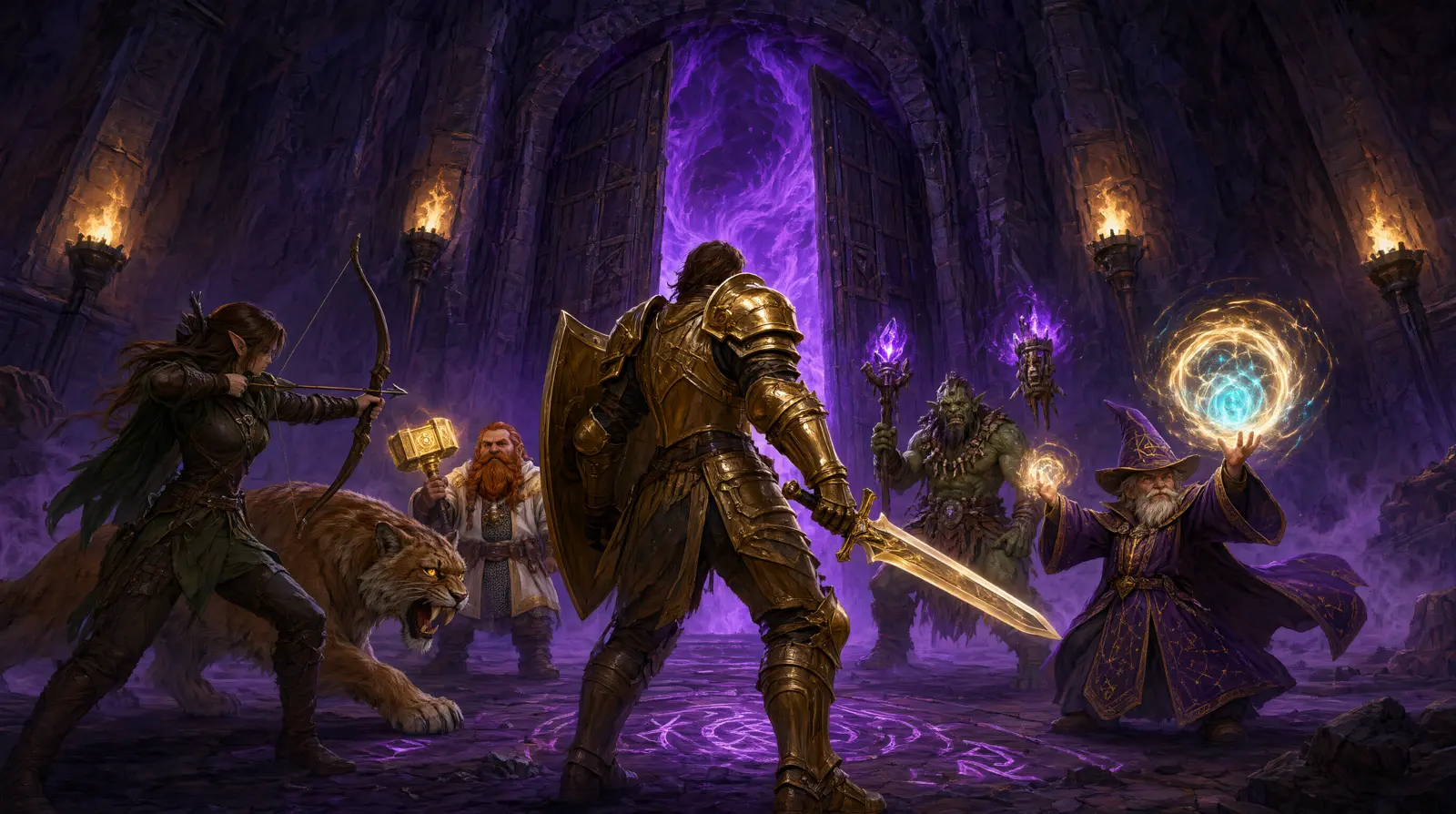
A party of five adventurers facing a void-wreathed dungeon gate
Five people, one gate: dungeons are 1 tank, 1 healer, 3 DPS. The Dungeon Finder (I) matches you across realms and teleports the whole group in; random queues give bonus XP and gear bags while leveling, and tanks and healers queue in seconds.
First, every week

Silvermoon weeklies

Three weekly quests from Lady Liadrin and Halduron Brightwing (plus one from Lor'themar in the city centre) reward Apex Caches: gold, upgrade materials, Bountiful Keys, and a piece of Veteran gear in each of your first two caches. Grab them before anything else so every other activity counts twice.

While you're out

World quests & Special Assignments

Map-wide "!" objectives paying reputation, gold and Call for Key Shards (100 shards = one Bountiful Key). Each zone also has a locked-icon Special Assignment with the big payouts. Clear them on your way past, not as a separate chore.

Four zone events

Abundance · Harandar relic · Eversong sub-faction · Stormmarion Assault

A rotating 3-minute treasure cave; a weekly relic-choice scenario; a weekly allegiance to one of Silvermoon's four factions (Blood Knights, Farstriders, Magisters, Shades of the Row); and a 30-minute wave defence of Stormmarion Citadel in the Voidstorm that drops another Pinnacle Cache. All four, every week, for your first few weeks.

Solo gearing

Delves — and the tier 8 rule

Short instanced runs, solo or grouped, with an NPC companion you set to tank or heal. Bountiful delves (glowing orange doors) spend a Bountiful Key for a bonus chest — and the hard community rule is tier 8 or higher only, because keys are scarce and tier 8+ is where Champion/Hero loot starts. Tier 11 delves also hide a weekly Gilded Stash: three Mythic-track crests a week, solo.

Groups

Mythic+ and raids

Mythic+ turns the eight Midnight dungeons into timed, scaling keystone runs: Champion loot around +2–5, Hero at +7, the best crests at +10. Raids are 10–30 players and no timer — start in Raid Finder via the Group Finder for practice gear, then a guild or premade group for Normal and up.

The upgrade economy

Crests and the Great Vault

Gear isn't replaced so much as raised: dawncrest currencies (Adventurer → Veteran → Champion → Hero → Mythic tracks) upgrade a piece along its track at the Silvermoon vendor. The Great Vault in your hub city hands you one free guaranteed piece a week from whatever you did — your insurance against bad luck.

Hunting

Prey

Open-world bounty targets per zone with weekly limits and escalating difficulty. Keep one active at all times and finish it when you're already in that zone; higher tiers mean much bigger rewards.

If PvP calls

Training Grounds first

The new battleground-vs-AI mode lets you learn PvP without four teammates suffering. Then War Mode world quests (100 Bloody Tokens each), Voidstorm PvP weeklies, and ranked arenas/BGs once you own a full PvP set — PvP gear scales to a 276 minimum inside arenas and battlegrounds, so don't queue in delve gear.

Money

Gold without thinking about it

Two gathering professions (Mining + Herbalism is the classic pair) mean every questing route doubles as income; sell nodes and junk on the Auction House, not to vendors — check AH price first, always. Buy bigger bags early from the AH's Containers tab. Professions have their own progression: Knowledge Points from first crafts, knowledge treasures (eight per profession), Patron Orders from NPCs, and Sparks that pin crafted gear at top item level.

Home

Housing

Midnight's headline feature: your own plot in a neighbourhood, decorated with furniture earned from renown, events, professions and raids. The housing quest in your log or the Player Housing tab walks you through the first room. Warbands make the rest of it painless — renown, collections and a shared bank across every character on your account.

A cosy elven cottage interior with fireplace, bookshelves and moonlit arched windows
The endgame nobody warns you about: an evening spent moving bookshelves. Decor drops from the content above, so your house slowly becomes a trophy case of the expansion.

10Playing on Linux

The game itself runs beautifully through Wine/Proton — DX12 included via VKD3D. The troublemaker is the Battle.net launcher, which breaks in compatibility layers now and then. Three proven routes, easiest first.

Route 1

Faugus Launcher

The current community consensus for "just works": a lightweight launcher that handles Battle.net under Wine for you. Try this first.

Route 2

Lutris

Flatpak Lutris → Add Game → Battle.net install script. Crucially: don't log in during the install — close Battle.net at the login screen so Lutris finishes setup, then launch and sign in. If the launcher won't start, switch the runner to Proton-GE Latest.

Route 3

Steam as a wrapper

Add Battle.net-Setup.exe as a non-Steam game, force Proton, install, then repoint the shortcut at the installed Battle.net Launcher.exe inside the compatdata prefix. Keeps everything inside one prefix you can back up.

Two known gremlins. Error BLZBNTBNA00000005 ("update agent went to sleep"): kill Battle.net/Agent processes, delete the prefix's ProgramData/Battle.net/Agent and ProgramData/Blizzard Entertainment folders, relaunch and log in again. And never put the Battle.net prefix on an NTFS drive — game files on NTFS are fine with proper mount options, the launcher prefix is not.